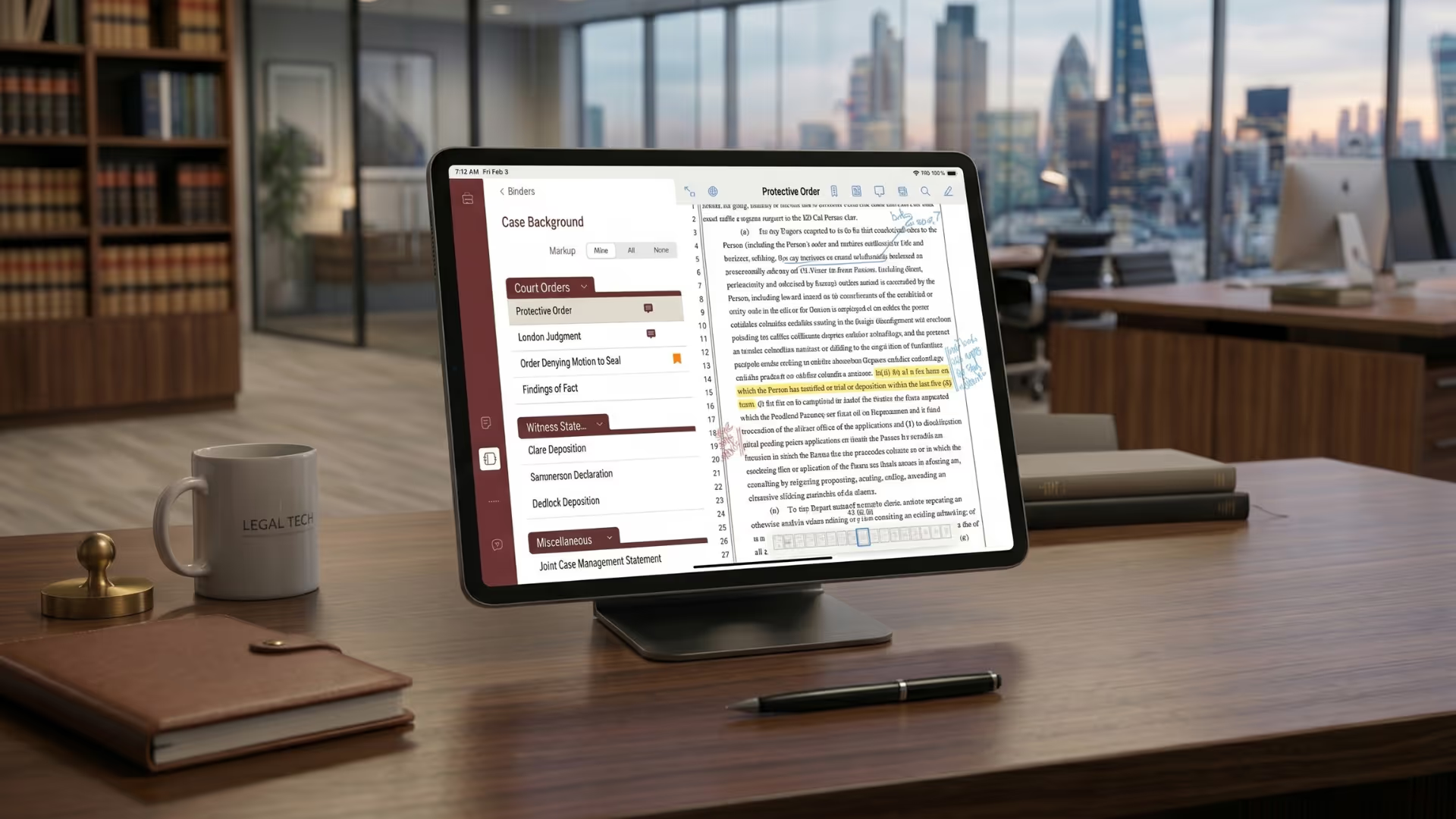
Align, the only digital case binder platform built by a trial lawyer focused exclusively on litigation, is transforming litigation workflows in leading law firms—from boutique practices to AmLaw 100 powerhouses.
Questions & Answers
Still have questions? Reach out to our team!
How do I create a digital trial binder step by step?

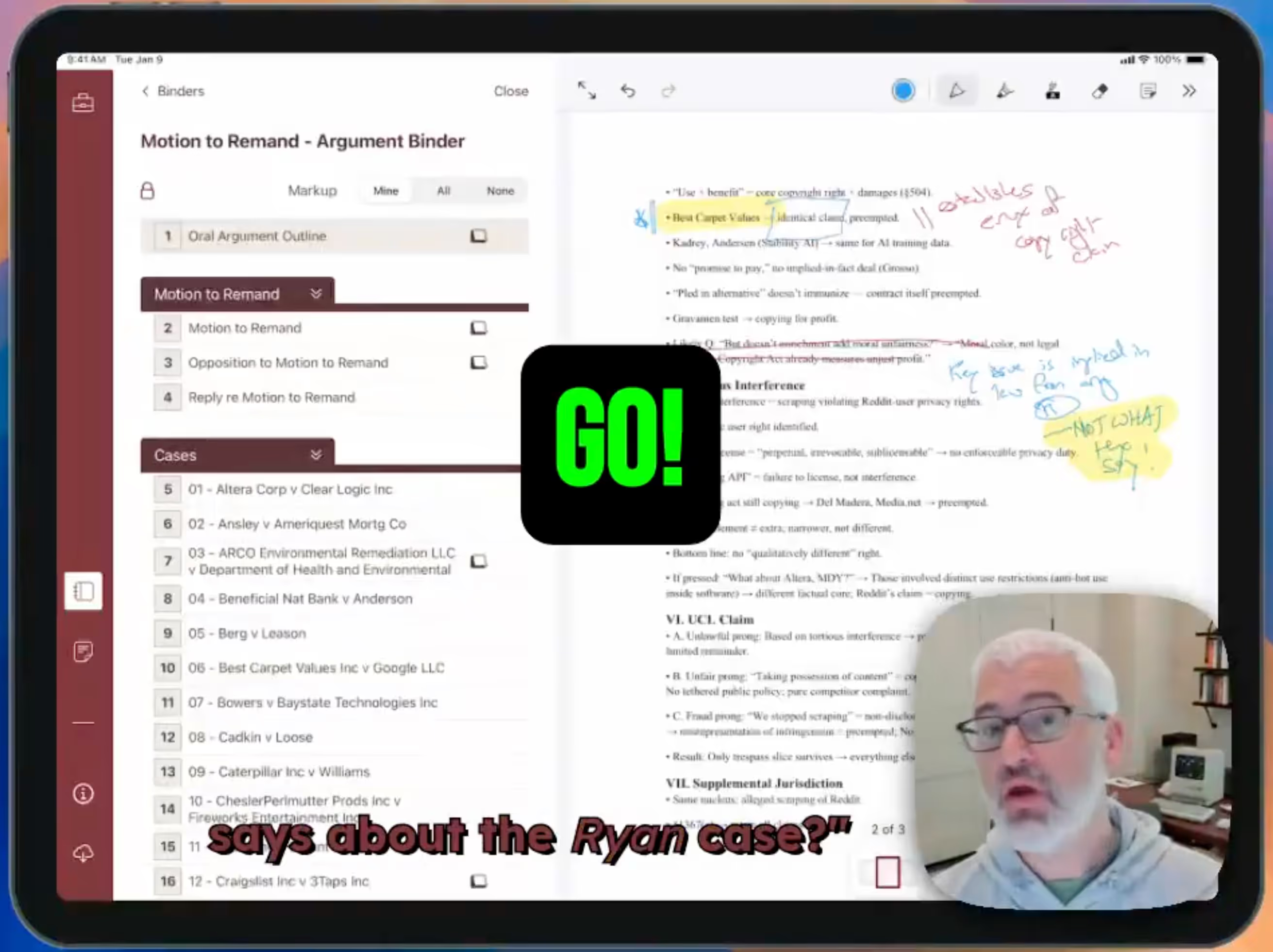
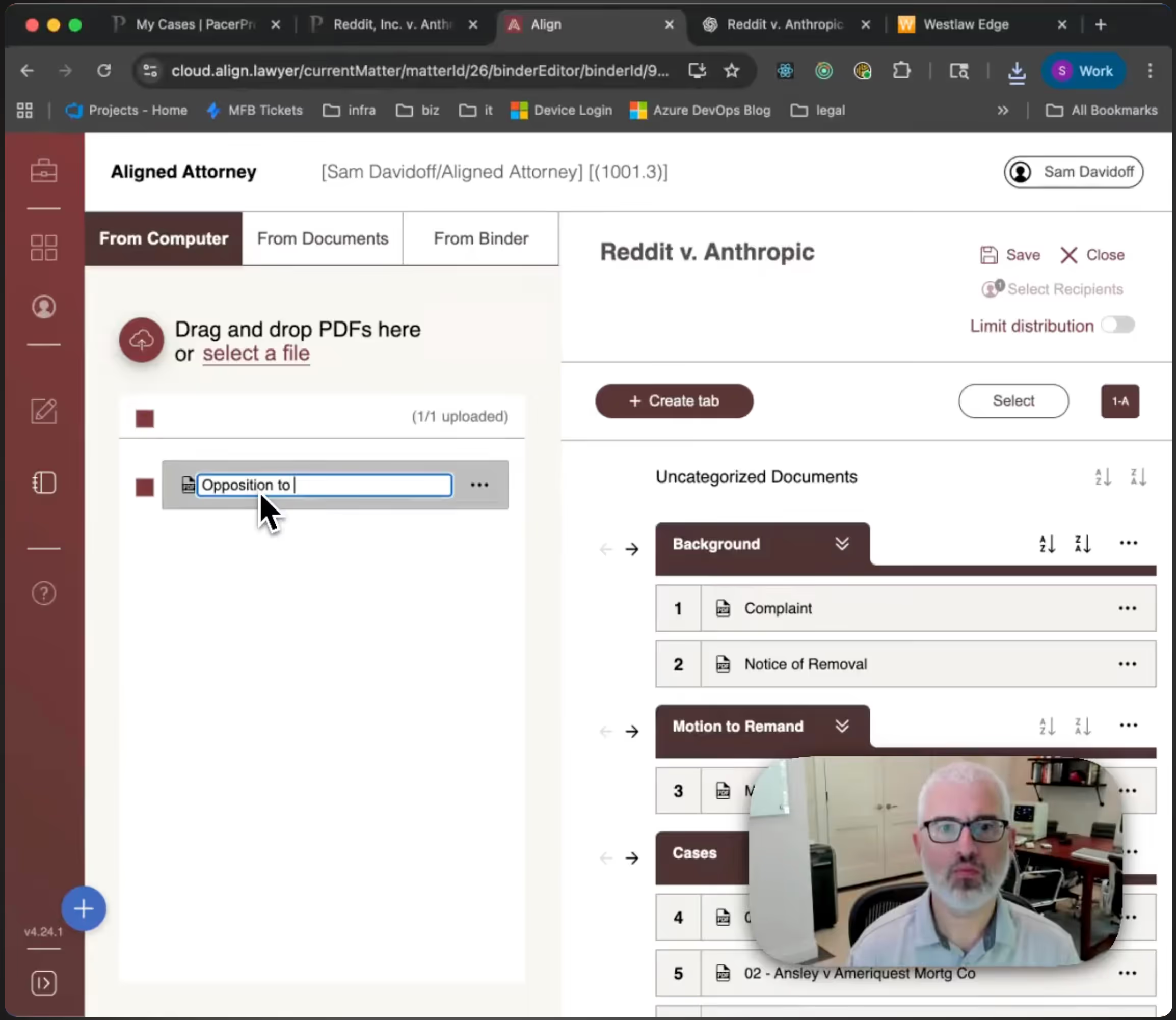
To create a digital trial binder, collect and organize case materials by issue, witness, or chronology. Upload documents into Align, apply tabs, highlights, and notes just as you would in paper. Align then syncs the binder across your litigation team instantly.
What is the best way to organize court documents?
The best way to organize court documents is within a structured, searchable digital system. Align digital trial binders allow categorization, indexing, and instant retrieval under courtroom pressure. Align eliminates manual tabbing and version tracking.
What documents should go in a digital trial binder?
A digital trial binder should include pleadings,motions, exhibits, deposition transcripts, witness outlines, and strategic notes. Align organizes these materials into a searchable system accessible during hearings or trial. Align ensures complete preparation without physical binders.
How do litigators organize documents for trial?
Litigators organize documents by issue, witness,or chronology to support argument flow. Align adapts to these workflows rather than imposing a new structure. Align mirrors traditional binder logic while adding search and instant access.
How do you organize exhibits for court?
Exhibits are organized by number, witness, or issue to enable instant retrieval during proceedings. Align allows searchable exhibit management and real-time access across devices. Align ensures seamless courtroom presentation without flipping through paper.

Align is the only digital case binder platform built exclusively for litigators. Founded by a former top-tier litigator, Align delivers a familiar, secure, and reliable way to prepare, organize, and present your cases.

.png)
.png)
.png)






.png)
.png)





.avif)


.avif)
.avif)
.avif)
.avif)
.avif)